How to Evaluate and Choose the Best Multi-Barcode Scanner SDK
Problem
Development teams evaluating multi-barcode scanning SDKs lack a structured methodology for comparison. Marketing claims around speed and accuracy rarely reflect real-world performance, leading to costly mid-project SDK switches when chosen solutions fail under production conditions.
Solution
A rigorous evaluation framework that tests SDKs against five measurable criteria — scan latency, recognition accuracy across symbologies, low-light and distance performance, AR overlay capabilities, and framework integration quality — enables developers to make evidence-based decisions before committing to a long-term dependency.
Outcome
- Structured SDK evaluation completed in under two weeks using standardized test scenarios
- 90% reduction in risk of mid-project SDK migration due to performance shortfalls
- Accelerated integration timeline through early identification of framework compatibility issues
Choosing a barcode scanning SDK is one of the highest-impact architectural decisions a development team makes. The SDK becomes a deep dependency — embedded in your application logic and directly responsible for the accuracy of every data point your workers capture. Getting it right means a foundation that scales.
Understanding Batch Scanning and Why It Matters
Single-barcode scanning — point, scan, confirm, repeat — was adequate for simple retail checkout. But modern enterprise workflows demand more:
- Warehouse receiving teams need to verify an entire pallet of mixed SKUs
- Retail associates performing inventory counts need to sweep a shelf and capture every code in seconds
- Pharmacy staff verifying medication carts need to confirm every vial matches the dispensing order
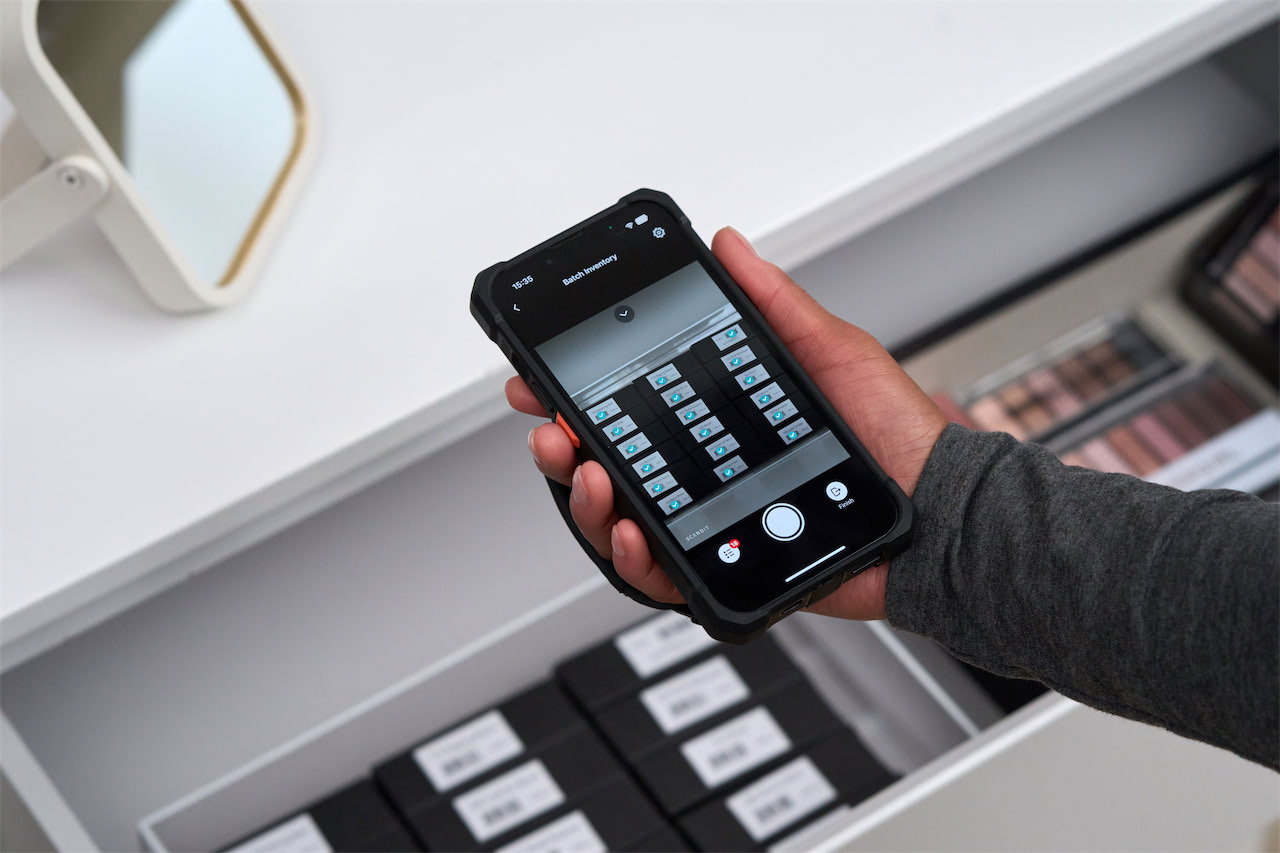
Multi-barcode scanning (often called batch scanning or MatrixScan) addresses these needs by detecting and decoding every barcode visible in the camera frame simultaneously.
The SDK must not only recognize multiple codes but also track them spatially — knowing which barcode belongs to which physical item — and maintain that tracking as the camera moves. This is where the quality gap between SDKs becomes most apparent.
Five Criteria for SDK Evaluation
When comparing multi-barcode scanning SDKs, structure your evaluation around these five measurable dimensions:
1. Scan speed and latency. Measure the time from camera activation to full decode of all visible barcodes. Even 200 milliseconds of additional latency per scan compounds into minutes of lost productivity per shift. Test with 5, 10, and 20+ barcodes in frame simultaneously.
2. Accuracy across conditions. Test against damaged barcodes, codes under plastic wrap, small codes on pharmaceutical packaging, and codes at distances from 15 cm to 2 meters. Measure both the false-negative rate (missed codes) and the false-positive rate (phantom decodes).
3. AR overlay and UI integration. Evaluate how the SDK renders augmented reality overlays on top of scanned items. Key questions:
- Can you customize overlay colors, icons, and animations?
- Does the overlay track items smoothly as the camera moves?
- Can you attach interactive tap targets for pick-to-confirm workflows?
4. Security and compliance. Verify that the SDK processes data on-device without transmitting barcode content to external servers. For healthcare and financial applications, confirm compliance with relevant data protection regulations and review the vendor's SOC 2 certification status.
5. Framework compatibility. Test integration with your specific stack — React Native, Flutter, native iOS/Android, or web-based PWAs. Evaluate the quality of documentation, sample code, and developer support. A powerful scanning engine is useless if integrating it requires weeks of workaround engineering.
Building a Real-World Test Suite
The most common mistake in SDK evaluation is testing only under ideal conditions.
Build a standardized test kit that includes labels with intentional defects:
- Scratched codes and wrinkled labels
- Codes printed on reflective surfaces
- Codes partially obscured by tape or stickers
Test in your actual operating environment — the fluorescent lighting of a warehouse, the backlight glare of a retail storefront, the dim conditions of a cold-storage facility.
Document every result quantitatively. The SDK that performs best under your worst conditions is the one that will perform reliably every day in production.