
Integrating Barcode Scanning with AI Coding Agents — Scandit Agent Skills
Problem
Ask an AI coding assistant to integrate barcode scanning and you often get code laced with outdated APIs. Training data is full of v6-era samples, so the output either fails to compile or stands on deprecated patterns.
Solution
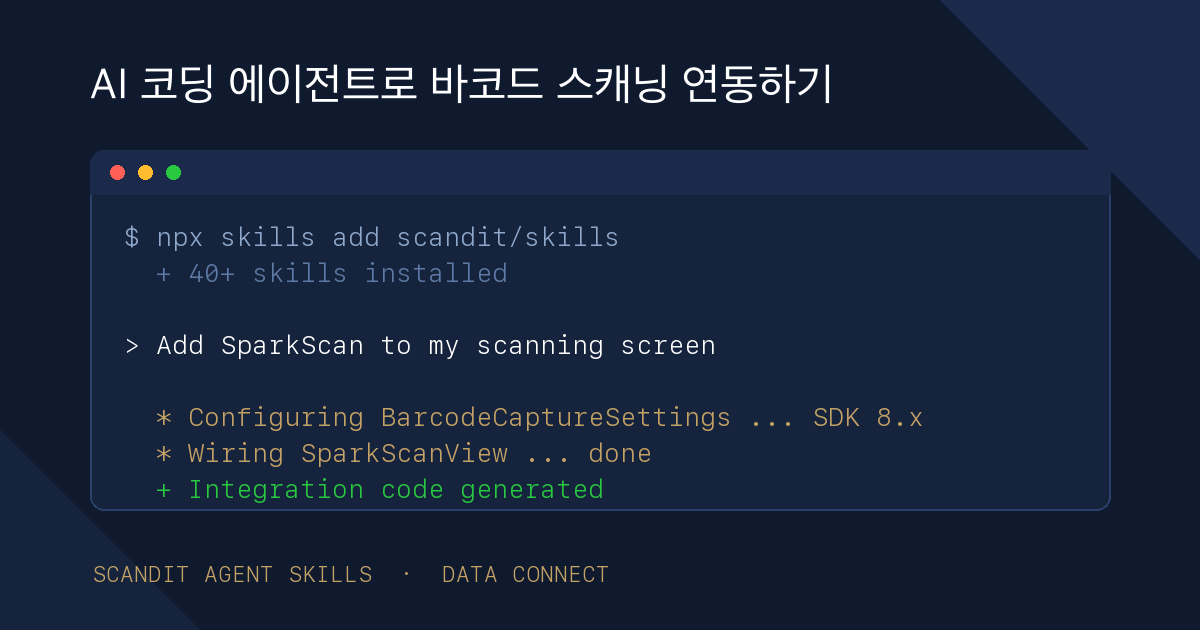
Scandit's Agent Skills are official instructions that teach AI agents the current SDK 8 APIs and proven integration patterns. One command — npx skills add scandit/skills — and 40+ agents including Claude Code, Codex, and Cursor write integration code against the latest APIs.
Outcome
- Agents generate code against current SDK 8.x APIs instead of v6 leftovers
- Product-specific integration patterns built in: SparkScan, Barcode Capture, the MatrixScan family
- Covers iOS, Android, Web, React Native, Flutter and other major frameworks
- Validated by Scandit against 500+ evaluation test cases
The Problem — why AI-generated barcode integration code keeps being wrong
Many teams now hand new integrations to an AI coding agent first. Barcode scanning is no exception — and the output often looks oddly dated. Web code that starts with SDCCore.configure(), the plural newlyRecognizedBarcodes — v6-era APIs sprinkled through 2026 code.
The reason is simple. Model training data contains years of blog posts, Stack Overflow answers, and sample code, much of it written against old versions. The Scandit SDK changed its initialization model and core APIs substantially across v6 → v7 → v8. The code the model has seen the most is now the code that is most wrong.
We ran into this ourselves. While auditing Data Connect's technical documentation, we stripped out every lingering legacy API — and the verification baseline we used was exactly the official Scandit Agent Skills introduced here.
The Solution — Scandit Agent Skills
Agent Skills, released by Scandit, are official instruction sets that teach AI coding agents how to integrate barcode scanning. Scandit introduces them as the first instructions that teach AI coding agents to integrate barcode scanning properly, validated against more than 500 evaluation test cases.
What's in the box:
- Product coverage — 40+ skills spanning SparkScan, Barcode Capture, the MatrixScan family (AR, Batch, Count, Pick), Smart Label Capture, and now ID Capture and ID Bolt.
- Frameworks — iOS, Android, Web (JavaScript/TypeScript), React Native, Flutter, Capacitor, Cordova, and .NET.
- Supported agents — built on Vercel's skills CLI: Claude Code, Codex, Cursor, GitHub Copilot, Cline, Windsurf and 40+ others. Any tool following the Agent Skills open standard generally works.
- License — Apache-2.0 open source. The skills themselves are free.
The core operating principle is "don't trust the agent's memory." Each skill instructs the agent not to rely on APIs memorized from training data, but to consult the bundled up-to-date references and official docs before writing code. Version-specific signature changes and per-platform trap doors — like the callback being didScan on one platform and onBarcodeScanned on another — are spelled out in those references.
Usage — one install command, then plain language
Installation is a single line in the terminal:
npx skills add scandit/skills
Claude Code users can also install from the plugin marketplace:
/plugin marketplace add scandit/skills
/plugin install scandit-sdk@scandit-plugins
After that, ask in plain language: "add SparkScan to the stock-count screen," "add a barcode scanner to this React app." The agent finds and reads the relevant skill, then writes integration code against the current SDK 8.x APIs. The skills even direct the agent to ask the right follow-ups — which symbologies to enable, which file to integrate into.
Running the result still requires a Scandit license key, same as before. Skills teach the agent to write code correctly; they don't replace licensing.
July 2026 Update — the Product Picker and ID Scanning Skills
The bundle has grown. At its center is the data-capture-sdk product-picker skill. Describe your use case in plain language — "scan barcodes in a warehouse picking app on iOS" — and the picker recommends the right Scandit product and framework combination based on real customer integrations, then hands off to the matching implementation skill (say, sparkscan-ios). The more detail you give, the better the recommendation, and the whole path from product selection to written code stays inside the agent.
ID scanning skills are now included: id-capture-{framework} (web, flutter, cordova, rn, capacitor) and id-bolt, Scandit's hosted drop-in ID scanning for websites. Scandit frames the pair as the answer to the long-standing trade-off between deeply customizable SDKs and limited IDV platforms. MatrixScan Pick (matrixscan-pick-ios, iOS only) has joined the catalog too.
Install paths have expanded as well. Codex has dedicated commands:
codex plugin marketplace add scandit/skills
codex plugin add scandit-sdk@scandit-plugins
Cursor offers one-click install from its marketplace. The always-current catalog lives in the scandit/skills repository.
The documentation side has been tuned too: Scandit publishes AI-readable docs via llms.txt and Context7, so even agents without the skills installed can reach current, structured Scandit knowledge.
What this means for development teams
PoC speed changes. The longest stretch in evaluating barcode scanning was always "a demo that actually runs." With an agent plus the skills, the time to a first demo — scan screen inside your own app — drops sharply. Getting an evaluation license and checking real-world scan rates inside your own app within half a day is now a realistic scenario.
It prevents legacy-API accidents. Whether migrating (v6 → v7 → v8) or integrating fresh, the agent mixing in old APIs drops sharply with the skill install alone. Dedicated migration references are included.
The human role shifts to review. Camera lifecycle, permission flows, and the seams with your existing architecture still need human review. As Scandit's official partner in Korea, Data Connect supports review of agent-generated code, evaluation licenses, and on-site PoC design. If you hit a wall trying it yourself, contact our engineering team.
For the full integration picture — including direct, non-agent integration per platform — see the integration guide.
FAQ
Related Posts
When You Can't Attach a Label, You Engrave the Barcode — A Guide to DPM (Direct Part Marking)
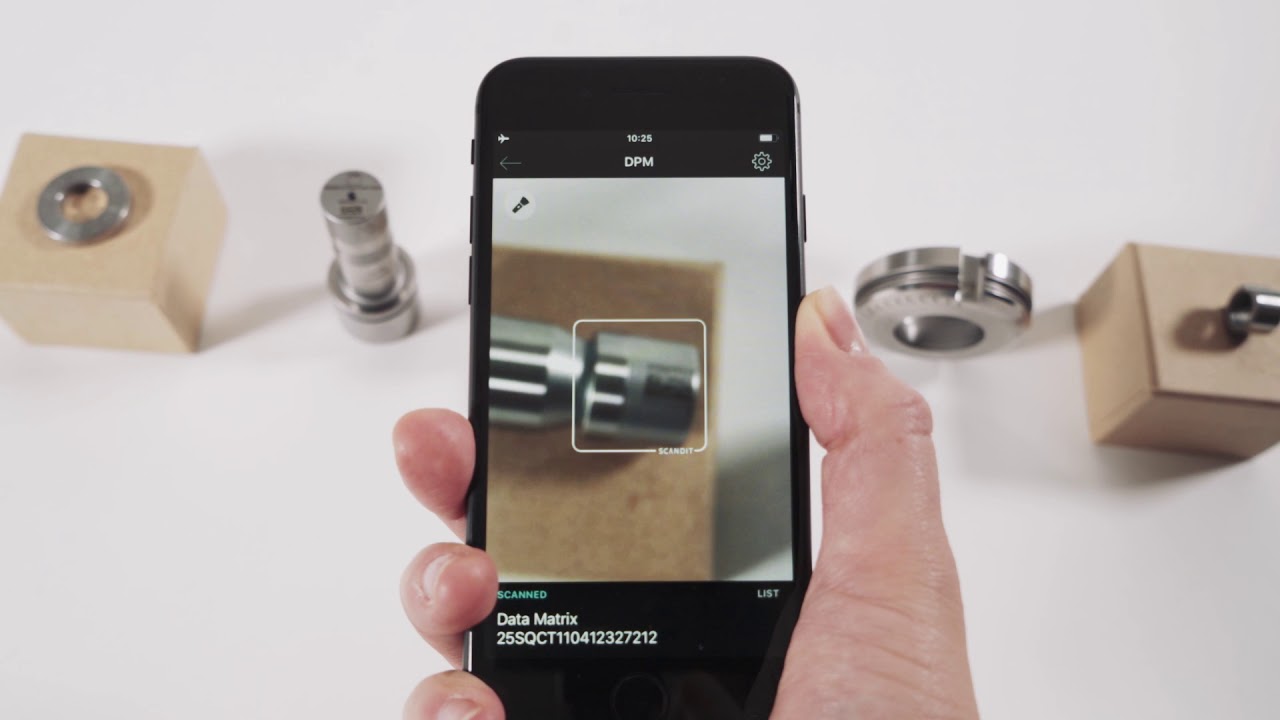
Engine blocks, PCBs, and surgical instruments can't carry paper labels. So manufacturers engrave barcodes straight onto the part — burned in by laser, hammered in by pin. The problem: these codes resist ordinary scanners. There's no ink contrast, metal reflects light, and surfaces curve. Why DPM codes are hard to read, and how a smartphone camera reads them anyway.
Beyond Barcodes: The Rise of Smart Label Capture
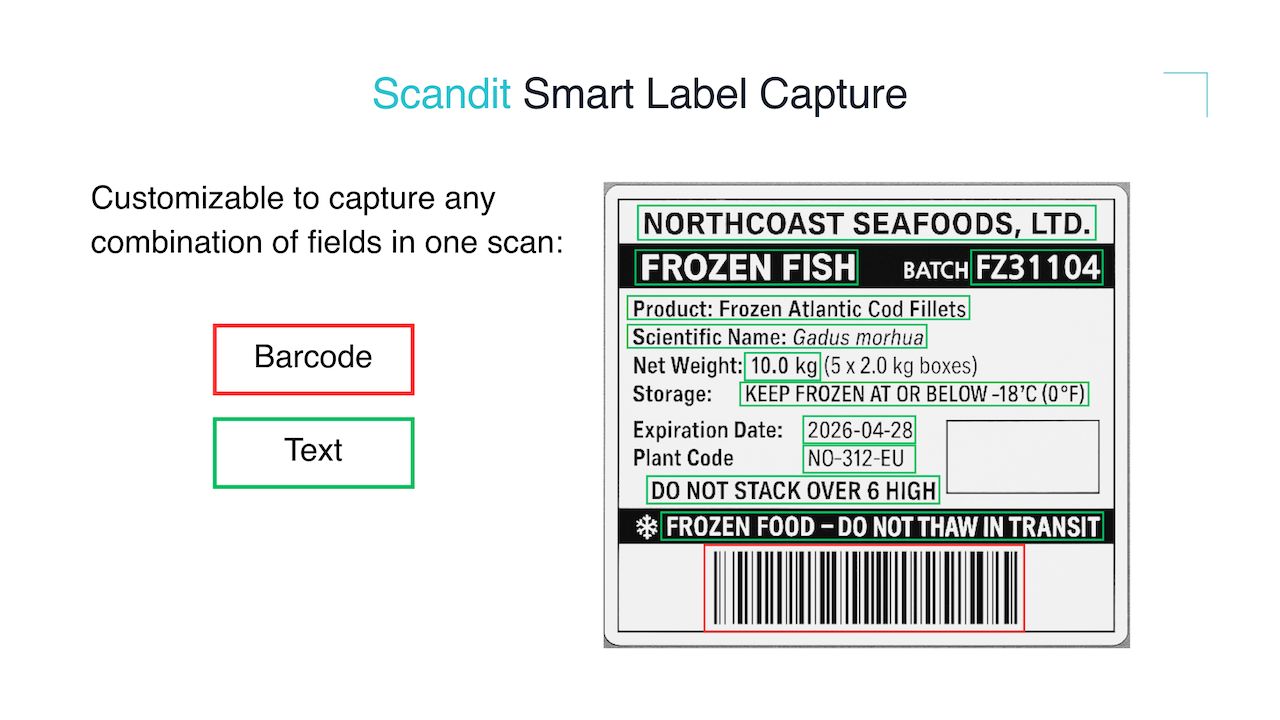
Expiry dates, prices, VINs — automatically capturing all information on a label with a single scan.
The Evolution of AI-Powered Scanning: How SDK 8.0 Is Changing the Field
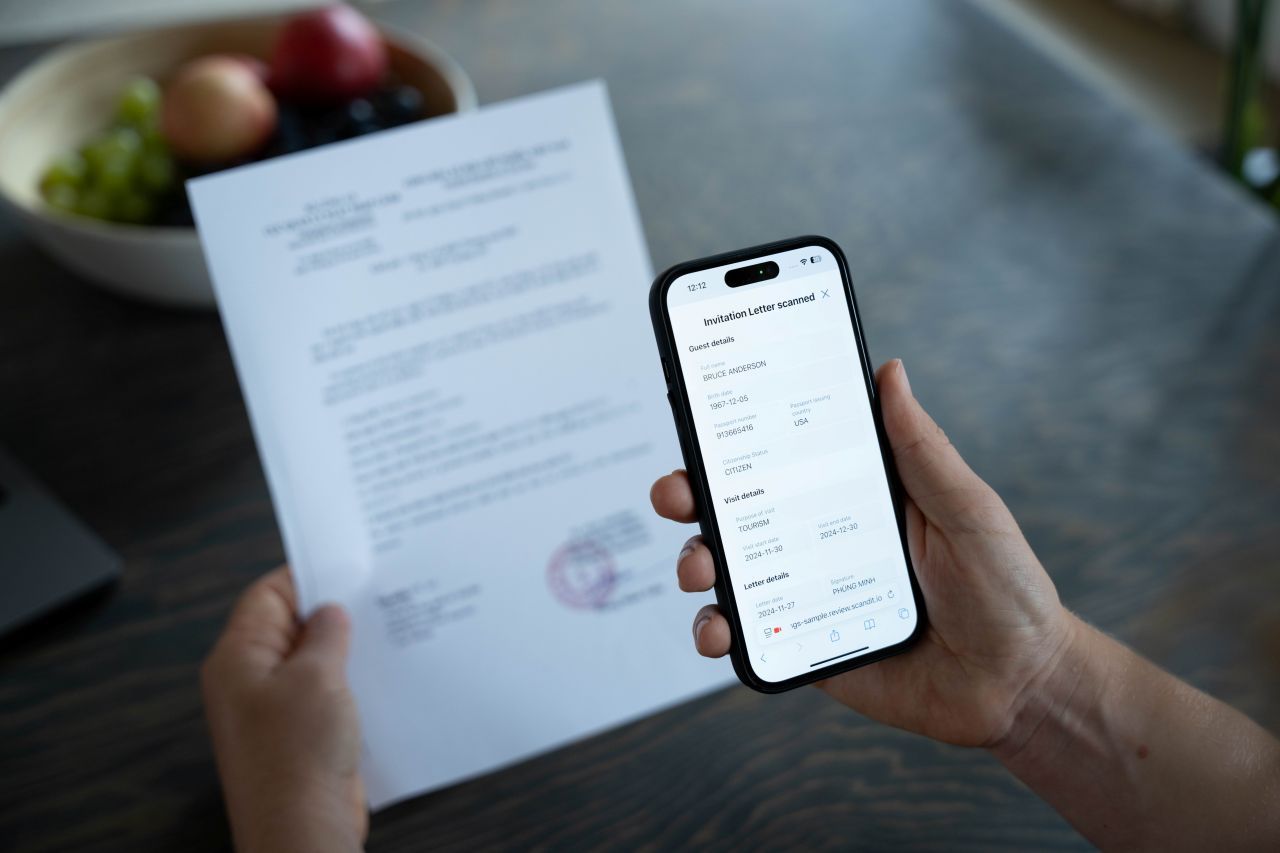
Next-generation AI scanning technology that understands intent and adapts to context is transforming frontline operations.