
SCANDIT SDK 8: AI-Powered Data Capture for Enterprise Apps
Problem
Enterprise scanning applications built on traditional SDKs struggle with cluttered environments, require workers to isolate individual barcodes manually, and cannot capture non-barcode data like text labels or identity documents — forcing organizations to maintain multiple disconnected capture tools.
Solution
SCANDIT SDK 8 introduces an AI engine that adapts to scanning context in real time, combined with purpose-built capabilities for augmented reality picking, simultaneous barcode-and-text capture, barcode clustering for inventory, and secure identity document verification — unifying all data capture needs into a single platform.
Outcome
- Unwanted scan errors in cluttered environments reduced by up to 100% through adaptive AI
- 7x faster data entry through simultaneous barcode and text label capture
- Identity document verification completed in under 3 seconds with ID Bolt
Every few years, a platform release changes what is possible at the point of work. SCANDIT SDK 8 is one of those releases — moving barcode scanning from a recognition task to an intelligent data capture platform where AI understands context, AR guides action, and a single integration handles barcodes, text labels, and identity documents.
Adaptive AI: Scanning That Understands Intent
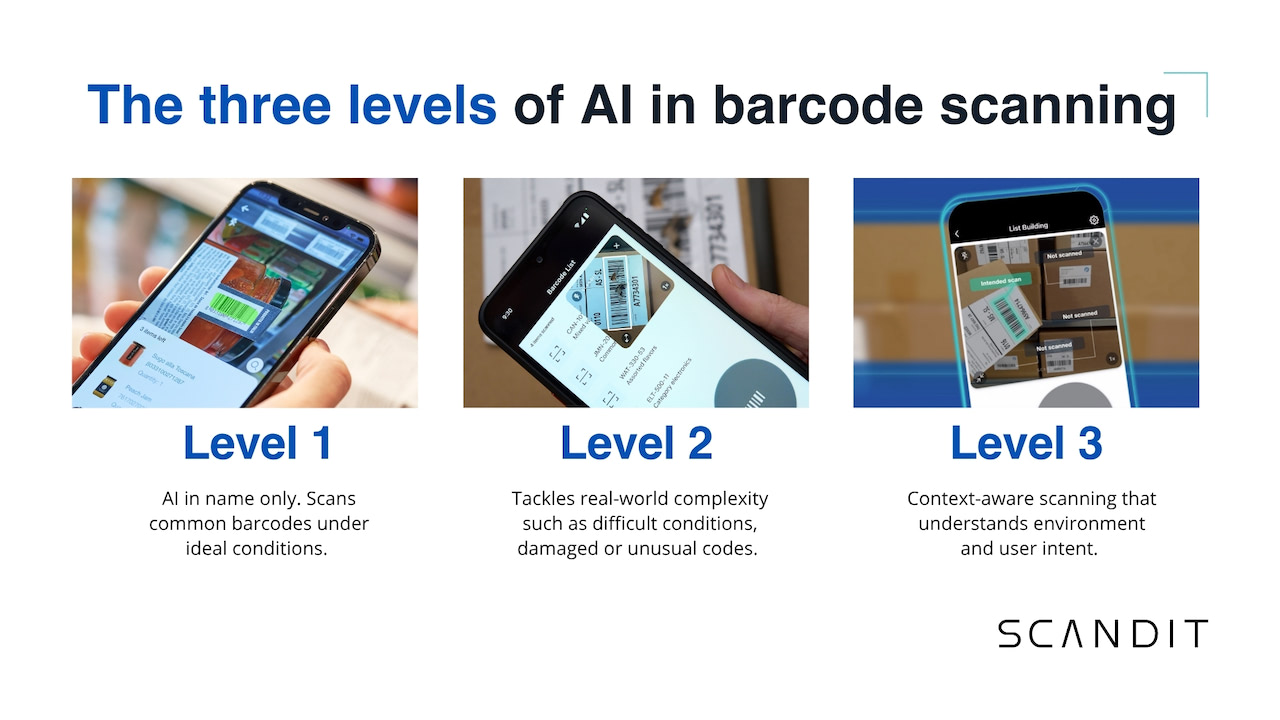
The core innovation in SDK 8 is an AI engine that does not just decode barcodes — it understands the scanning context.
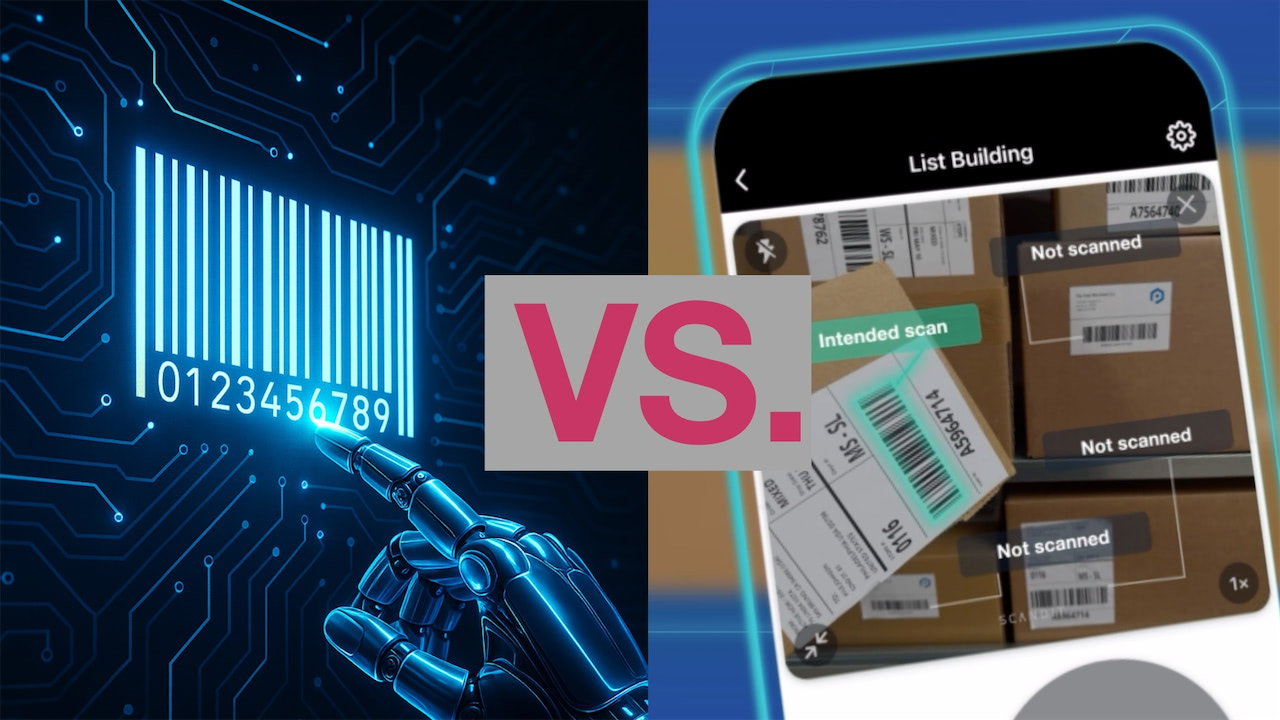
In a warehouse shelf packed with dozens of products, the AI identifies which barcode the worker intends to scan based on device orientation, distance, and centering behavior. This Adaptive Selection capability eliminates the frustrating problem of accidentally scanning the wrong item in dense environments.
Duplicate Filtering complements this by distinguishing between a worker intentionally re-scanning an item (for quantity counting) and accidentally capturing the same barcode twice. Previous approaches relied on simple cooldown timers that either blocked legitimate re-scans or allowed duplicates through. SDK 8's AI analyzes the device's motion pattern to determine intent, eliminating timer-based workarounds entirely.
For barcodes too damaged to decode optically, the OCR Backup system automatically reads the human-readable number printed beneath the barcode and matches it against the expected format. This recovers data that would otherwise require manual keyboard entry — a process that is both slower and more error-prone.
MatrixScan Pick and Barcode Clustering
MatrixScan Pick extends the multi-barcode scanning platform with workflow-specific AR overlays designed for picking and verification tasks.
When a worker points the camera at a shelf or pallet, each detected barcode receives a color-coded overlay:
- Green — items on the pick list
- Red — items that do not belong
- Gray — items not relevant to the current task
Workers tap overlays to confirm picks, and the system tracks progress in real time.
Barcode Clustering takes a different approach to inventory workflows. Instead of requiring workers to scan items individually or in visible groups, it counts items in dense, layered configurations — such as a pallet of stacked cartons where only some barcodes face the camera. The AI infers the total count from partial visibility, cross-referencing detected codes against expected inventory patterns.
Smart Label Capture and ID Bolt
Smart Label Capture unifies barcode and text recognition into a single scan event. Point the camera at a product label and the SDK simultaneously:
- Decodes the barcode
- Reads the expiry date
- Extracts the lot number
- Captures the price
All data is classified by type and mapped to the appropriate system fields. This eliminates the manual data entry that remains one of the largest sources of errors in food safety, pharmaceutical compliance, and retail operations.
ID Bolt brings identity document verification into the same SDK. It reads the Machine Readable Zone (MRZ) on passports and ID cards, extracts data from NFC chips in biometric documents, verifies document authenticity through security feature analysis, and can perform facial matching against the document photo.
All processing occurs on-device, ensuring that sensitive personal data never leaves the user's phone. For travel, hospitality, car rental, and age-restricted retail scenarios, ID Bolt replaces dedicated verification hardware with a capability embedded directly in the enterprise application.